Shanghai Electronics Recycling: Four Ways to Clear the Drawer
*上海旧电子杂物,先分清去处再清空*

Clear old electronics in Shanghai through reuse, manufacturer recycling, Xuhui’s qualifying small-appliance collection, or a local service found through 沪尚回收. Choose by the item, not the nearest bin. Working devices deserve a possible next owner; phones and computers need their data dealt with before they leave.
Give each item a job before giving it away
A drawer full of cables feels like one task until you find a laptop, a working lamp and a broken hairdryer underneath. One bulk collection may be a poor deal for all three. Give the contents a little table space before giving them away. Note the model and fault, then use the four-way sorting card below. It is an editorial shortcut, not an official waste classification. The reward is fewer vague messages to collectors and less chance of sending a useful device away for scrap. That lamp may simply need someone who actually wants a lamp.
Good to know · 先看物品,再选渠道
Save the key checks before you set off; confirm live details with the provider on the day.

Route one: keep a useful device in use
A direct handover to a friend or neighbour suits a working item whose resale value is less interesting than the space it occupies. Agree the condition and collection time, and say clearly if a cable or part is missing. For selling rather than giving away, our Xianyu guide explains the resale workflow; check the app’s current transaction terms before listing. The trade-off is coordination: photographing, answering messages and waiting for collection are work. Choose this route when you can describe the device honestly and have time for a proper handover.
Route two: ask the manufacturer before replacing anything
Apple’s mainland Trade In programme is worth checking before an old Apple device goes into a mixed scrap bag. Eligible models can be assessed online or in store; free recycling is offered when there is no trade-in value. An estimate still depends on the device actually received. This is a manufacturer route with a defined scope, so do not assume an unrelated household appliance belongs at the counter. There is a physical-condition limit too: Apple excludes devices with swollen, damaged or defective batteries, and loose batteries. Ask for appropriate handling advice rather than mailing one in.
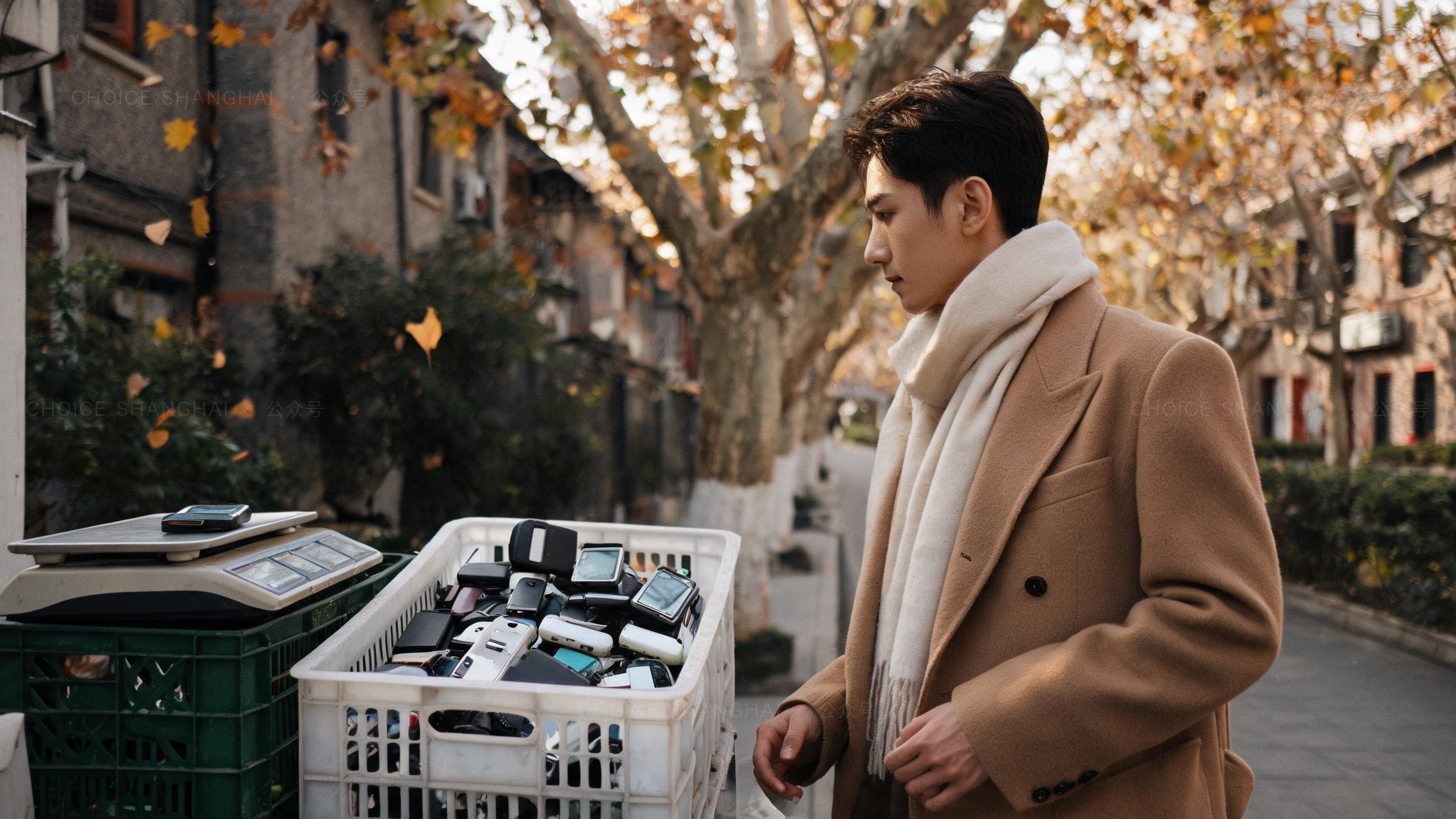
Route three: check the new Xuhui small-electronics collection
The new Xuhui offer suits a qualifying box of electrical odds and ends whose main value is the space they will free up. It is a convenience service for scrap, not a resale valuation for a good laptop. The district’s 17 November notice defines the batch below; use its category chart and booking entry before packing. An announcement from Xuhui does not establish the same offer at every Shanghai address. If your collection falls short, resist adding unsuitable items just to make weight. Keep useful pieces separate, and ask about another service rather than changing the description to fit.
Xuhui collection check · 徐汇预约核对
Route four: find the service attached to your neighbourhood
For another district, or a category outside that offer, start with 沪尚回收, the city’s recycling service mini-program. Its published guide directs residents to 我要交投, then neighbourhood, mobile or smart services, where the listed operator, contact, hours and price information can be checked. Ask that operator about the precise electronic item before travelling. The city’s three-mode announcement covers recycling more broadly; a nearby smart box is not proof that it takes a laptop. This route is useful when proximity matters, but the practical offer depends on the service point. Your compound’s property office can help identify the local arrangement.
One message to send · 一次问清
Do the account work before the handover
A low resale value does not make personal files less valuable. The account work is often the part that keeps a supposedly unwanted phone in the drawer for another year. Give it a separate appointment, before collection day, and follow the current instructions for its maker. Apple also directs owners to remove the old device from trusted devices; Android steps vary. Check that the replacement can reach accounts you still need. An old device that will not turn on is an unresolved privacy job, not an erased device. Ask the maker or receiving service what options exist, and be clear about what you have not completed.
Data handover card · 资料交接卡
Make one collection easy to finish
Photograph the items before packing, keep the booking details, and agree what will happen to anything the collector refuses. Keep devices inside your home until the agreed handover; Xuhui’s notice specifically warns against putting the pile in corridors, fire exits or communal areas. This is also the moment to separate ordinary packaging from the electronics themselves. Our household sorting guide covers everyday bins; this article deals with the extra decisions before a device leaves your possession. A small, confirmed collection is more useful than a large box you have merely moved from one corner to another.
Let the cleared space stay clear
The useful outcome is not the small payment. It is having one fewer unfinished job in your apartment, and knowing which items you still use. Before buying another adapter or small appliance, check whether one of the working items already solves the problem. If this clear-out is part of a tighter monthly budget, our Shanghai living-cost guide helps put household spending in context. Keep a short note of the route that actually accepted your item. Next time, you can start with a verified contact rather than another collection of old recommendations.
Do I need the original charger and box for Apple Trade In?
Apple says the box, charger, cables, case and watch bands are not required for the full assessed trade-in value. You may include them for recycling, but accessories voluntarily handed over cannot be returned if the trade-in is later cancelled.
Can I cancel an Apple trade-in after arranging it?
Before sending the device, Apple says you can cancel by keeping it. Once you have handed it over, cancellation is generally unavailable. If inspection produces a lower offer, you can reject that revised offer. Read the terms attached to your actual transaction.
Should I manually delete iCloud photos before erasing the old iPhone?
Use Apple’s transfer and erasure instructions instead. Apple warns that manually deleting items while signed into iCloud can remove them from iCloud and connected devices too. Confirm your backup before changing anything.
The space you recover is useful. So is knowing that an old device left with its next purpose clear.
Which item is still waiting in your drawer: an old phone, a cable without a device, or a small appliance nobody seems to collect?
Words, maps and research by the Choice Shanghai team. Please credit us and tag our 公众号 if you share.